 CommuniCare
San Diego · Free for everyoneReach out for support,
Reach out for support,
any time of day.
Connect with outreach workers, find shelter and clinics, and get appointments — all in one app.

How CommuniCare works
Plain and simple — here's what to do, who it's for, and what you can do with it.
For clients
Get your access code
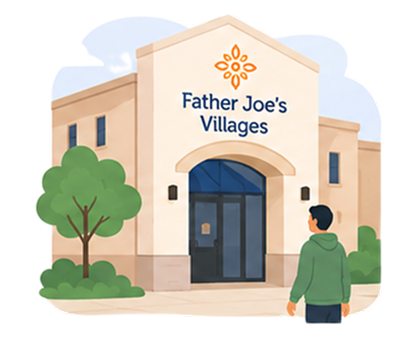 Step 1Visit Father Joe’s Villages1501 Imperial Ave, San Diego, CA 92101.
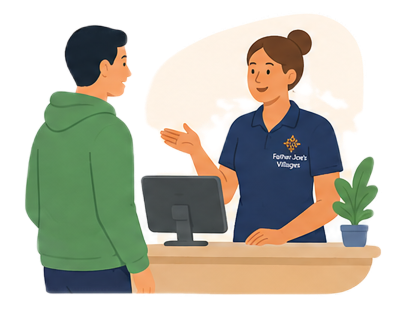 Step 2Talk to someone at the front deskTell them you’d like to sign up for CommuniCare. They’ll get you started.
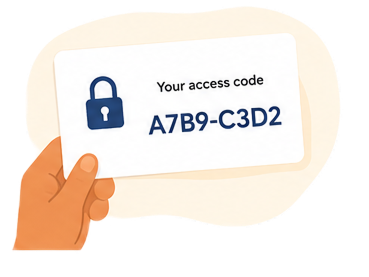 Step 3You’ll get a private access codeThis code is your login. We use a code instead of a name or phone number to keep your information private.
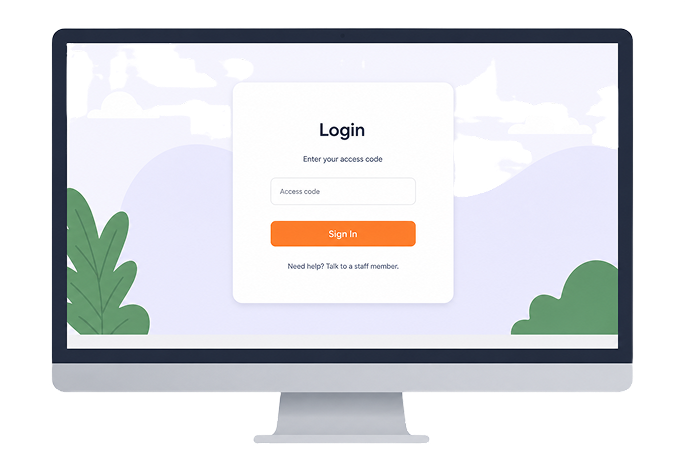 Step 4Open the app and sign inTap Login at the top of this page and type in your code. That’s it.
Once you're signed in, you can
- Message your outreach worker any time
- Browse food, shelter, and clothing resources
- See where the mobile clinic is right now
- Track your housing application progress
For staff
Use your work login
Outreach workers and case managers sign in with the work credentials issued by Father Joe's Villages — no separate account to remember.
As a staff member, you can
- ✓See your client roster and message clients directly
- ✓View shared locations on the map
- ✓Post announcements that all clients see
- ✓Track and update each client’s housing progress